Building software used to mean hiring developers, spending large budgets, and waiting months for results. No-code development has changed that equation for many businesses. By using visual tools and drag-and-drop builders, even people without programming knowledge can create apps, automate workflows, and launch digital products. But like any approach, no-code comes with both strengths and limitations worth understanding before you commit.
What Is No-Code Development and How Does It Work?
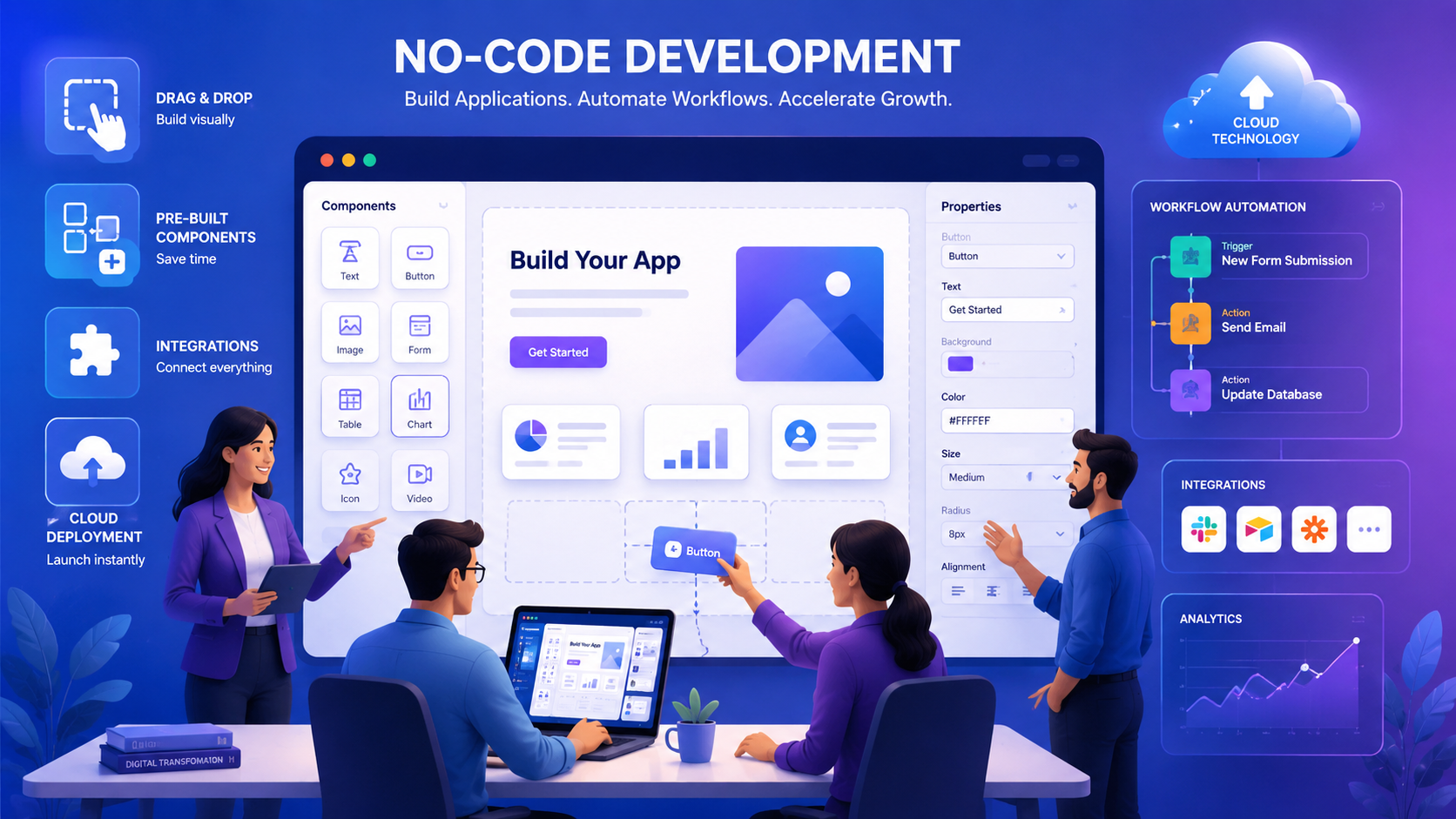
No-code development is a method of building software applications without writing traditional programming code. Instead of manually coding every function, users work with visual interfaces, pre-built templates, and drag-and-drop components. The platform handles the technical logic behind the scenes.
Businesses use no-code platforms to build a wide range of solutions, including:
- Websites and landing pages
- Mobile applications
- Customer portals and dashboards
- Workflow automation systems
- Internal business tools and reporting systems
This approach has made software development accessible to marketing teams, HR departments, operations managers, and startup founders who previously had no way to build digital tools on their own.
Top Benefits of No-Code Development for Businesses
No-code platforms offer several practical advantages that make them attractive to organizations of all sizes.
Speed of development: Traditional software projects can take weeks or months. No-code tools allow teams to build and launch applications in days because most features are available as ready-made components. This speed helps businesses respond to market changes and test new ideas faster.
Lower costs: Hiring developers and designers is expensive. No-code platforms allow existing team members to build applications without deep technical skills, reducing development expenses significantly. This is especially valuable for startups and small businesses with tight budgets.
Empowers non-technical users: Employees in sales, marketing, HR, and operations can build tools and automate tasks without depending on IT teams. This reduces delays and gives teams more control over their own workflows.
Business flexibility: When business needs change, no-code platforms make it easy to update workflows, add features, or modify applications quickly. Companies can adapt without starting development from scratch.
Encourages innovation: Many good ideas never move forward because development is too costly. No-code removes that barrier. Teams can build prototypes, test concepts, and gather feedback before making larger investments.
Workflow automation: No-code platforms can automate repetitive tasks such as employee onboarding, lead management, customer support workflows, approval processes, and data collection. This saves time and improves overall efficiency.
Easier maintenance: Most no-code platforms handle updates, security patches, and technical upkeep automatically. Businesses can focus on operations rather than managing technical infrastructure.
Challenges and Limitations You Should Know
No-code development is not a perfect solution for every situation. Understanding its limitations helps businesses make smarter decisions.
Limited customization: No-code platforms rely on predefined components. Businesses with highly specific requirements may find that certain advanced features are difficult or impossible to build within the platform’s constraints.
Scalability concerns: No-code applications work well for small and medium-sized projects. However, as an application grows and handles larger volumes of data or users, performance issues can appear. Some platforms are simply not built for complex enterprise-level systems.
Dependence on the platform provider: When you build on a no-code platform, you rely on that provider’s technology, pricing, and service continuity. If the provider changes pricing, removes features, or shuts down, migrating your application elsewhere can be difficult and costly.
Integration limitations: While most no-code platforms connect with popular business tools, organizations using complex or legacy software may face challenges integrating everything. Some advanced integrations may require additional development work.
Security and compliance risks: Businesses in healthcare, finance, and government sectors must carefully review whether a no-code platform meets their security and regulatory requirements. Not all platforms are built to handle sensitive data under strict compliance standards.
No-Code vs Traditional Development: A Quick Comparison
| Factor | No-Code Development | Traditional Development |
|---|---|---|
| Speed | Fast — days to weeks | Slower — weeks to months |
| Cost | Lower upfront cost | Higher development cost |
| Customization | Limited to platform features | Fully customizable |
| Scalability | Suitable for small to mid-scale | Handles large enterprise systems |
| Technical Skills Needed | Minimal | High |
| Maintenance | Managed by platform provider | Requires internal or external team |
When to Choose No-Code and When to Go Traditional
No-code development is the right fit when your business needs internal tools, workflow automation, customer portals, startup MVPs, rapid prototypes, or small to medium business solutions. It saves time, reduces costs, and gets products to market faster.
Traditional software development remains the better choice when you need highly customized applications, large enterprise systems, complex SaaS products, high-performance platforms, or applications with strict security and compliance controls. In those cases, custom coding gives you greater flexibility and long-term control.
The smartest approach is to evaluate your specific project requirements, budget, growth plans, and compliance needs before choosing a path. Many businesses use both — no-code for quick internal tools and traditional development for their core products.
No-code platforms will likely play an even bigger role in business technology as they continue to mature. For organizations looking to build faster and spend less, no-code development is a practical and powerful option worth serious consideration.