Building a mobile or web app used to take weeks of planning, designing, coding, and testing. Today, generative AI is compressing that timeline significantly. Developers and designers are now using AI-powered tools to handle tasks that once required large teams and long hours. Here is a clear look at how this technology is reshaping app development from start to finish.
What Is Generative AI and Why Does It Matter for App Development?
Generative AI refers to intelligent systems trained on massive datasets that can produce new content — including text, images, code, and design layouts — based on simple instructions.
Unlike traditional software that only processes existing data, generative AI creates something new. For app development, this means a developer can describe what they need — say, a food delivery app with a login screen and an order tracking page — and the AI can generate design mockups and working code within minutes.
This capability is making app development faster, more accessible, and less dependent on large specialized teams.
How Generative AI Helps in App Design
Designing an app interface requires creativity, attention to detail, and a strong understanding of user experience. Generative AI supports designers at every stage of this process.
- Auto-generates screen layouts: AI tools can produce full app screen designs from plain text descriptions, removing the need to start from scratch.
- Suggests colors, fonts, and navigation styles: Based on the app’s purpose and audience, AI recommends design elements that improve usability.
- Creates prototypes in minutes: What used to take days of manual wireframing can now be done in a fraction of the time.
Two widely used tools in this space are:
- Figma AI — Automatically suggests UI components and layout improvements within the Figma design environment.
- Uizard — Converts hand-drawn sketches or text descriptions into ready-to-use app screens.
How Generative AI Supports App Testing
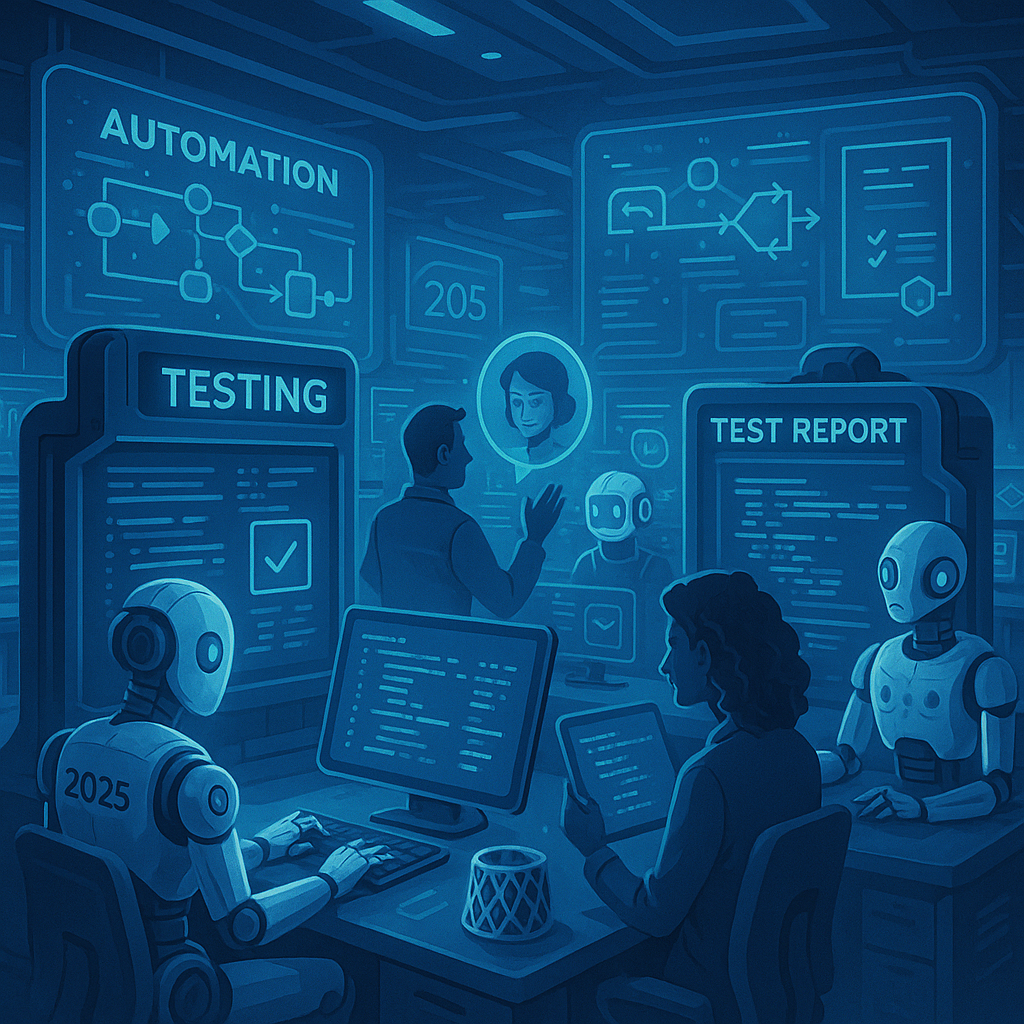
Testing is one of the most time-consuming parts of app development. Every feature must be checked for bugs, performance issues, and design inconsistencies before launch. Generative AI is making this process faster and more thorough.
- Generates test scenarios automatically: AI analyzes the app and creates a full set of test cases without manual input.
- Identifies bugs before release: The system can predict where errors are likely to occur and flag them early.
- Runs automated tests continuously: Repetitive manual testing is replaced by AI that runs checks around the clock.
- Detects visual inconsistencies: AI can spot color mismatches, misaligned elements, and other UI issues that human testers might miss.
Popular AI testing tools include:
- Testim.io — Uses AI to locate and report bugs automatically during the development cycle.
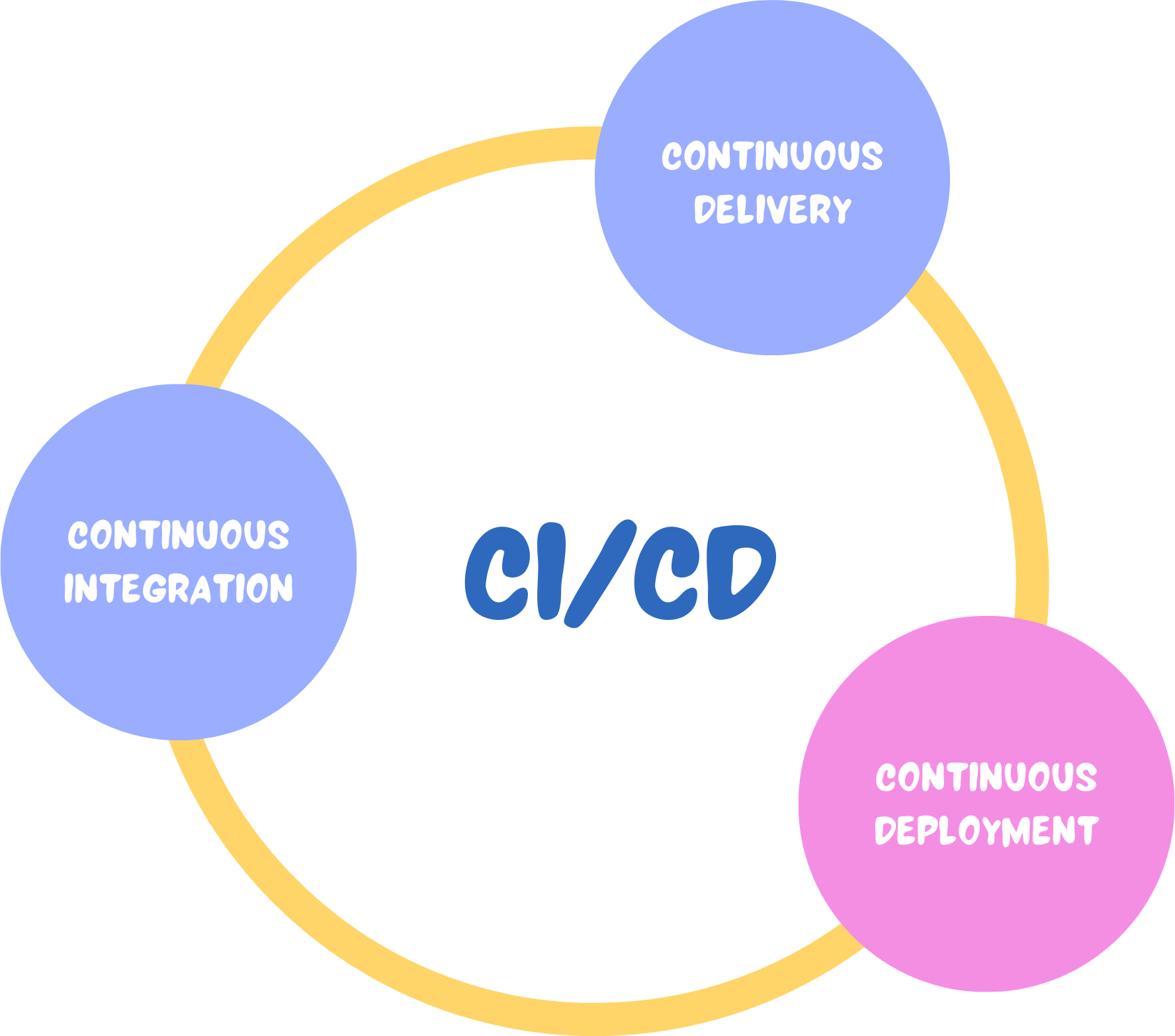
- Mabl — Provides continuous AI-driven testing integrated directly into the software development pipeline.
Key Benefits of Using Generative AI in App Development
The growing adoption of generative AI in app development is driven by clear, practical advantages:
| Benefit | Impact |
|---|---|
| Faster development | Design and testing timelines are cut significantly |
| Lower costs | Fewer manual hours means reduced project expenses |
| Better creativity | Designers focus on ideas while AI handles repetitive tasks |
| Fewer errors | AI ensures consistent design and more accurate testing |
| Higher app quality | Bugs caught earlier lead to more stable, reliable apps |
Real-World AI Tools Already Being Used
Several tools are already being adopted by development teams across the industry:
- GitHub Copilot — Suggests and auto-completes code as developers write, speeding up the coding process.
- Figma AI — Generates UI layouts and design suggestions within the Figma platform.
- Uizard — Turns descriptive text or rough sketches into visual app prototypes.
- Testim.io — Automates bug detection and test execution using AI.
- ChatGPT — Assists with writing code, generating test scripts, and brainstorming design ideas.
Challenges and Limitations to Keep in Mind
Generative AI is a powerful addition to any development workflow, but it comes with real limitations that teams should be aware of:
- Accuracy gaps: AI-generated designs or code may not always meet specific user requirements and need human review.
- Security vulnerabilities: Machine-generated code can contain security flaws that are not immediately obvious.
- Limited originality: AI tends to replicate existing design trends rather than create genuinely new ones.
- Data privacy concerns: Sensitive project data shared with AI tools must be handled carefully to avoid leaks or misuse.
These challenges do not make generative AI less useful — they simply highlight the importance of keeping skilled human developers and designers in the loop.
What the Future of AI-Powered App Development Looks Like
The direction is clear: AI will become a standard part of the app development process. The next phase is expected to involve fully AI-assisted development where a team can describe a concept and have the AI handle design, coding, and testing with minimal manual effort.
This does not mean human developers will become irrelevant. Instead, AI will act as a capable assistant — handling the heavy technical lifting while humans focus on strategy, creativity, and user experience.
The result will be faster product launches, fewer post-release bugs, and more time for teams to focus on building features that genuinely serve users.
For developers and designers looking to stay competitive, learning to work effectively with AI-powered tools is quickly becoming an essential skill rather than an optional one.