Software delivery has become faster and more complex than ever. Teams are under pressure to ship reliable updates without breaking things. GitOps is a practical approach that helps engineering teams manage infrastructure and deployments using a tool they already know — Git. Here is a clear look at what GitOps is, how it works, and why more teams are adopting it.
What Is GitOps?
GitOps is an approach to managing and deploying software where Git acts as the single source of truth for both application code and infrastructure configuration. Instead of logging into servers or manually running scripts, every change — whether it is a new feature, a config update, or an infrastructure tweak — goes through a Git repository.
GitOps brings together three well-established ideas:
- DevOps — collaboration between development and operations teams
- Infrastructure as Code (IaC) — managing infrastructure through code files
- Version control — tracking every change with a full history
The result is a system where your entire software environment is defined, tracked, and managed through Git commits and pull requests.
How the GitOps Workflow Works
A standard GitOps workflow follows these steps:
- Developers write application code and infrastructure configurations and store them in a Git repository.
- When a change is needed, a pull request is created — just like with regular code reviews.
- Once the pull request is approved and merged, a GitOps tool such as Argo CD or Flux detects the change automatically.
- The tool applies the change to the live system, such as a Kubernetes cluster, without any manual steps.
- If the live system drifts away from what is defined in Git, the GitOps tool corrects it automatically to match the desired state.
This approach removes the need for engineers to manually push deployments or log into production servers, which reduces human error significantly.
Key Benefits of GitOps for Engineering Teams
GitOps offers several practical advantages for teams of all sizes:
- Consistency across environments: Since Git holds the desired state, your staging and production environments stay aligned.
- Easy rollbacks: If a deployment causes problems, reverting to a previous Git commit restores the system to a known good state.
- Full audit trail: Every change is recorded in Git with details on who made it, when, and why — useful for compliance and debugging.
- Stronger security: No one can make changes without going through the pull request process, which enforces review and approval workflows.
- Faster recovery: Because the desired state is always in Git, recovering from failures is faster and more predictable.
- Better team collaboration: Dev and Ops teams work through the same Git-based process, reducing silos and miscommunication.
Popular GitOps Tools You Should Know
Several open-source and enterprise tools support GitOps workflows. Here is a comparison of the most widely used ones:
| Tool | Primary Use | Best For |
|---|---|---|
| Argo CD | Continuous delivery for Kubernetes | Teams needing a visual dashboard and Git-based deployments |
| Flux | Kubernetes-native GitOps operator | Lightweight setups and automated syncing |
| Terraform + Git | Infrastructure as Code management | Cloud infrastructure provisioning with GitOps principles |
| GitHub Actions / GitLab CI | CI/CD pipeline automation | Teams already using GitHub or GitLab for code hosting |
| Jenkins X | Cloud-native CI/CD with GitOps support | Kubernetes-based microservices delivery |
Why GitOps Adoption Is Growing Rapidly
The shift toward cloud-native development and Kubernetes has made GitOps a natural fit for modern engineering teams. Several factors are driving its adoption:
- The rise of Kubernetes-native development makes Git-based deployment management practical and efficient.
- Remote and distributed teams benefit from a shared, Git-based workflow that works regardless of location.
- Organisations need greater visibility and control over how software reaches production.
- Scaling infrastructure across multiple cloud environments becomes easier when everything is defined as code in Git.
Major technology companies including Amazon, Microsoft, and Red Hat have already adopted GitOps practices at scale. Startups and mid-sized engineering teams are following the same path as they look for more reliable ways to ship software.
GitOps Best Practices to Follow
If you are planning to adopt GitOps, these practices will help you get the most out of it:
- Use declarative configurations — define what you want, not how to get there.
- Store everything in version control, including infrastructure and environment configs.
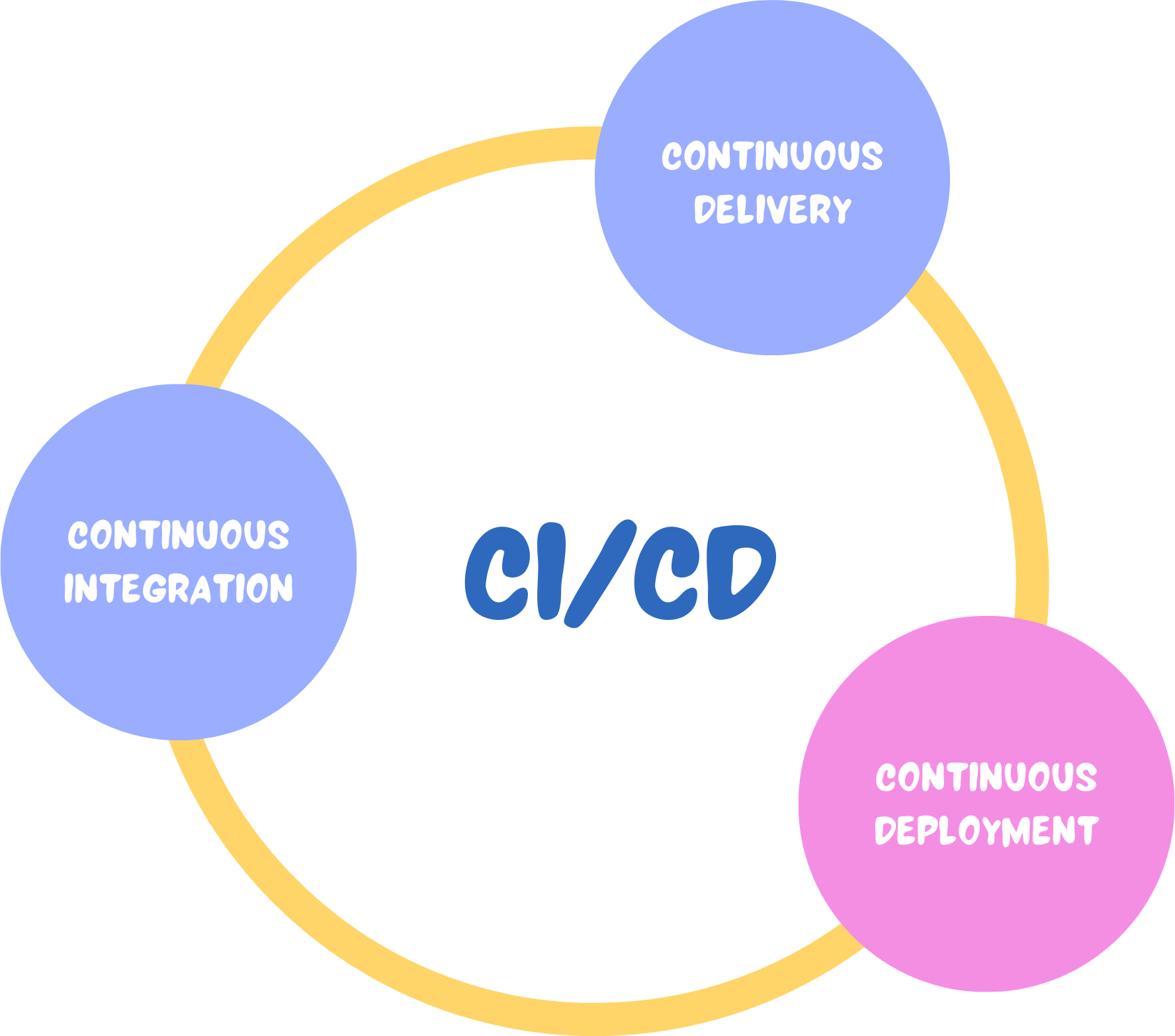
- Automate your CI/CD pipelines so that Git commits trigger deployments without manual steps.
- Set up strong access controls on your Git repositories to prevent unauthorised changes.
- Monitor for configuration drift and set up alerts when the live system diverges from Git.
- Practice continuous deployment with small, frequent changes rather than large infrequent releases.
GitOps works especially well for teams already using microservices, Kubernetes clusters, Infrastructure as Code, or cloud-based systems. You do not need to rebuild your entire workflow — making Git the central point of your deployment process is a strong starting point.
GitOps is a well-tested, practical approach to software delivery that brings consistency, security, and speed to modern engineering teams. As cloud infrastructure grows more complex, having Git as the backbone of your deployment process gives teams a reliable and transparent way to manage change at scale.