Natural Language Processing, commonly known as NLP, is quietly working behind the scenes in almost every digital tool you use. From typing a message on your phone to asking a voice assistant for the weather, NLP is what makes software understand and respond to human language. Here is a clear look at what NLP is, how it works, and where you are already seeing it in action.
What Is Natural Language Processing?
NLP is a branch of artificial intelligence that gives computers the ability to read, understand, and respond to human language — both written and spoken. Instead of forcing users to learn technical commands, NLP lets software understand the way people naturally speak and write.
Think of it as the bridge between human communication and machine logic. When you type a question into a search bar or speak to a smart device, NLP is what interprets your words and figures out what you actually mean.
How NLP Works: A Simple Breakdown
The process may seem complex, but it follows a straightforward flow:
- Input: You speak or type something, such as “How’s the weather today?”
- Understanding: The system breaks your words into parts to figure out your intent and meaning.
- Action: It searches for the right answer or response based on that understanding.
- Output: It delivers a reply, like “Today’s forecast shows sun with a high of 26°C.”
This entire process happens in seconds, completely invisible to the user.
Real-World NLP Examples in Software You Already Use
NLP is not a future concept. It is already built into the tools millions of people use daily. Here are the most common examples:
- Chatbots and customer support: Online stores and service platforms use NLP-powered chatbots to answer questions like “Where is my order?” or “Do you have this in blue?” without any human involvement. This provides round-the-clock support with no waiting time.
- Voice assistants: Alexa, Siri, and Google Assistant all rely on NLP to understand spoken commands. When you say “Remind me to call Mom at 6,” the assistant interprets your words and sets the reminder instantly.
- Auto-correct, smart suggestions, and grammar tools: Gmail’s Smart Compose and Microsoft Word’s grammar checker use NLP to predict what you want to write next and fix errors as you type. This saves time and helps users communicate more clearly.
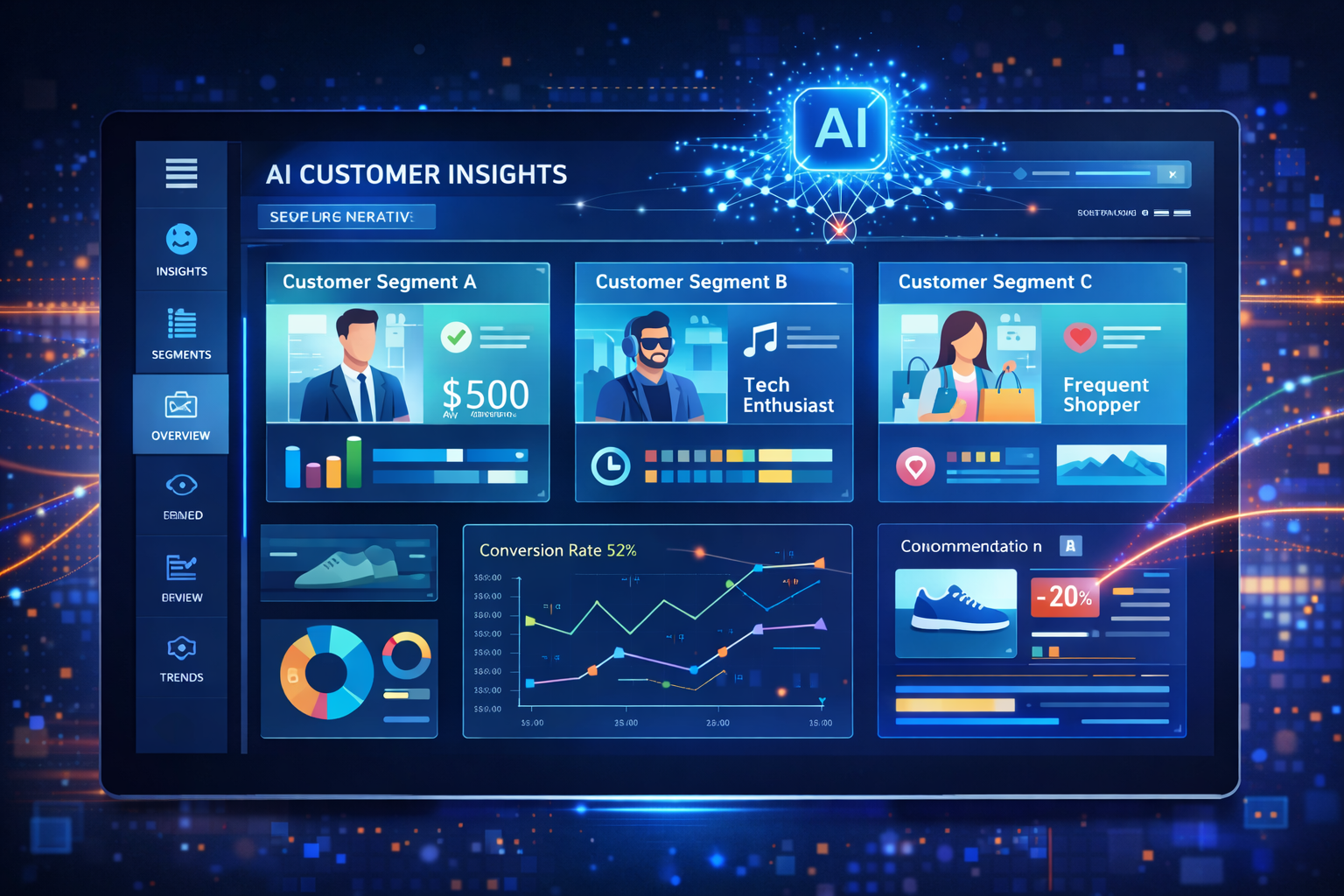
- Sentiment analysis: Businesses use NLP tools to scan thousands of customer reviews and social media posts to understand public opinion. A tool might report that 82% of 5,000 reviews about a product are positive, giving companies fast and reliable feedback.
- Speech-to-text tools: Apps like Otter.ai and Google Docs voice typing convert spoken words into written text in real time. These tools are especially useful in meetings, interviews, and for people with physical disabilities.
- Smarter search and recommendations: When you search for “movies like Inception,” NLP helps the platform understand your intent — not just the words — and returns results that match the style and theme you are looking for.
- Language translation: Google Translate and YouTube’s automatic subtitle feature use NLP to convert content from one language to another instantly, making global communication much more accessible.
- Text summarization: Some NLP tools can read a long document — such as a research paper or legal contract — and produce a short, accurate summary. This saves time and makes dense information easier to digest.
Comparing Common NLP Applications at a Glance
| NLP Application | Real Example | Key Benefit |
|---|---|---|
| Chatbots | E-commerce support bots | 24/7 customer help |
| Voice Assistants | Alexa, Siri, Google Assistant | Hands-free task management |
| Auto-correct and Grammar | Gmail Smart Compose, MS Word | Faster, cleaner writing |
| Sentiment Analysis | Review monitoring tools | Real-time brand feedback |
| Speech-to-Text | Otter.ai, Google Docs Voice | Accessibility and efficiency |
| Language Translation | Google Translate, YouTube | Cross-language communication |
Why NLP Matters for Everyday Software Users
NLP makes software feel more natural and human. Instead of learning how to operate a tool, users can simply speak or type the way they normally would — and the software figures out the rest.
This has a real impact across different groups of people:
- Beginners find technology less intimidating when they can use plain language.
- Professionals save time with smart suggestions, auto-summaries, and voice tools.
- People with disabilities benefit from hands-free and voice-driven interfaces.
- Businesses get faster insights from customer data without manual review.
As more software products integrate NLP, the gap between human communication and machine response continues to shrink. The result is technology that works with you, not against you.
NLP is no longer a niche technology reserved for research labs. It is a core part of the software billions of people use every single day — and its role will only grow as language models and voice interfaces become more advanced.