Software testing is one of the most critical steps in building reliable digital products. Whether you are developing a mobile app, a web platform, or an enterprise system, testing helps ensure that what you ship actually works — and works well. Skipping this step can lead to costly bugs, security breaches, and unhappy users. Here is a clear breakdown of why software testing is important, what types exist, and which tools professionals use.
Why Software Testing Is Important
Testing is not just about finding bugs. It serves several key purposes that directly impact the quality, safety, and success of a software product.
- Guaranteed Quality: Testing catches defects before users encounter them. This protects your brand reputation and ensures the software performs as expected.
- Better User Experience: Software that has been thoroughly tested runs smoothly. Users are more likely to recommend and return to a product that works without friction.
- Cost Savings: Fixing a bug during development is far cheaper than fixing it after release. Early testing reduces the financial risk of post-launch failures.
- Stronger Security: Security testing identifies vulnerabilities in the system before malicious actors can exploit them. This is essential for protecting user data and meeting compliance requirements.
- Continuous Improvement: Regular testing gives development teams measurable feedback on software performance. This is especially valuable in Agile environments where iterative improvement is the goal.
Common Types of Software Testing
Different testing methods serve different purposes. Understanding each type helps teams choose the right approach for their project.
- Manual Testing: Human testers interact with the software directly to evaluate its functionality and usability. This approach is useful for exploratory testing and assessing the user experience.
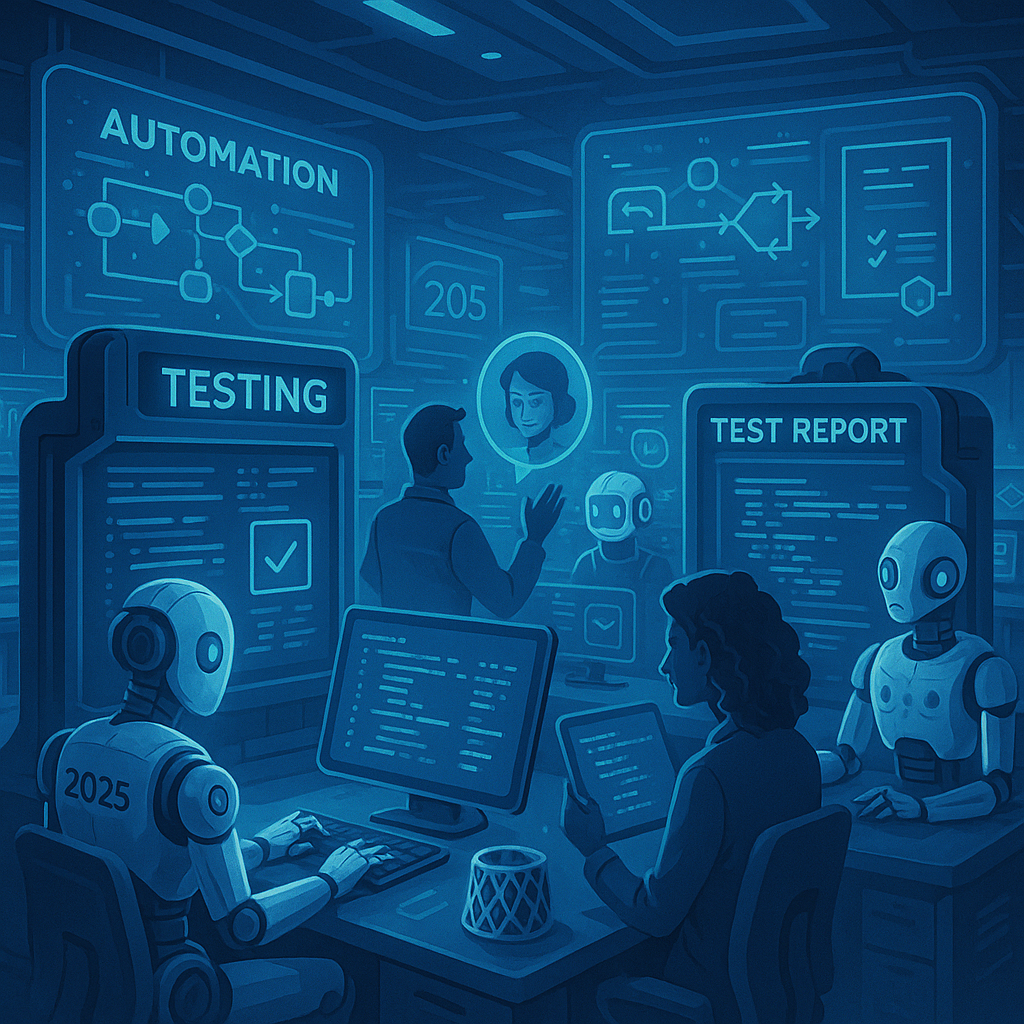
- Automated Testing: Automated tools execute pre-written test cases quickly and consistently. This method is ideal for repetitive tasks and large-scale test suites.
- Functional Testing: This checks whether each feature of the software works according to its specifications. It validates that the system does what it is supposed to do.
- Performance Testing: This measures how the software behaves under heavy load or high traffic. It ensures the system remains stable and responsive during peak usage.
- Security Testing: This identifies weaknesses in the software that could be exploited. It helps protect sensitive user information and ensures the product meets security standards.
- User Acceptance Testing (UAT): Real end-users test the software to confirm it meets their needs. UAT is typically the final step before a product goes live.
Popular Software Testing Tools
Using the right tools can significantly improve the speed and accuracy of the testing process. Here is a look at some widely used options in the industry.
| Tool | Primary Use | Best For |
|---|---|---|
| Selenium | Web application testing | Automated browser testing across multiple languages |
| Jira | Bug tracking and test management | Team collaboration and issue tracking |
| Postman | API testing | Testing backend operations and API calls |
| JMeter | Performance and load testing | Simulating high user traffic to test system limits |
| TestRail | Test case management | Organizing and tracking test progress |
| QTest | Agile test management | Real-time reporting and Agile team collaboration |
Manual vs Automated Testing: Which Should You Choose?
Both manual and automated testing have their place in a well-rounded quality assurance strategy. Choosing between them depends on the nature of the project and the testing goals.
- Manual testing is better suited for usability checks, exploratory testing, and scenarios that require human judgment.
- Automated testing works best for regression testing, large test volumes, and tasks that need to run repeatedly across different environments.
- Most professional teams use a combination of both to get the best results.
Best Practices for Effective Software Testing
Following a structured approach to testing leads to better outcomes and fewer surprises at launch.
- Start testing early in the development cycle to catch issues when they are easiest and cheapest to fix.
- Write clear and detailed test cases so that any team member can execute them consistently.
- Prioritize high-risk areas of the software for more intensive testing coverage.
- Use version control and document all test results for future reference and audits.
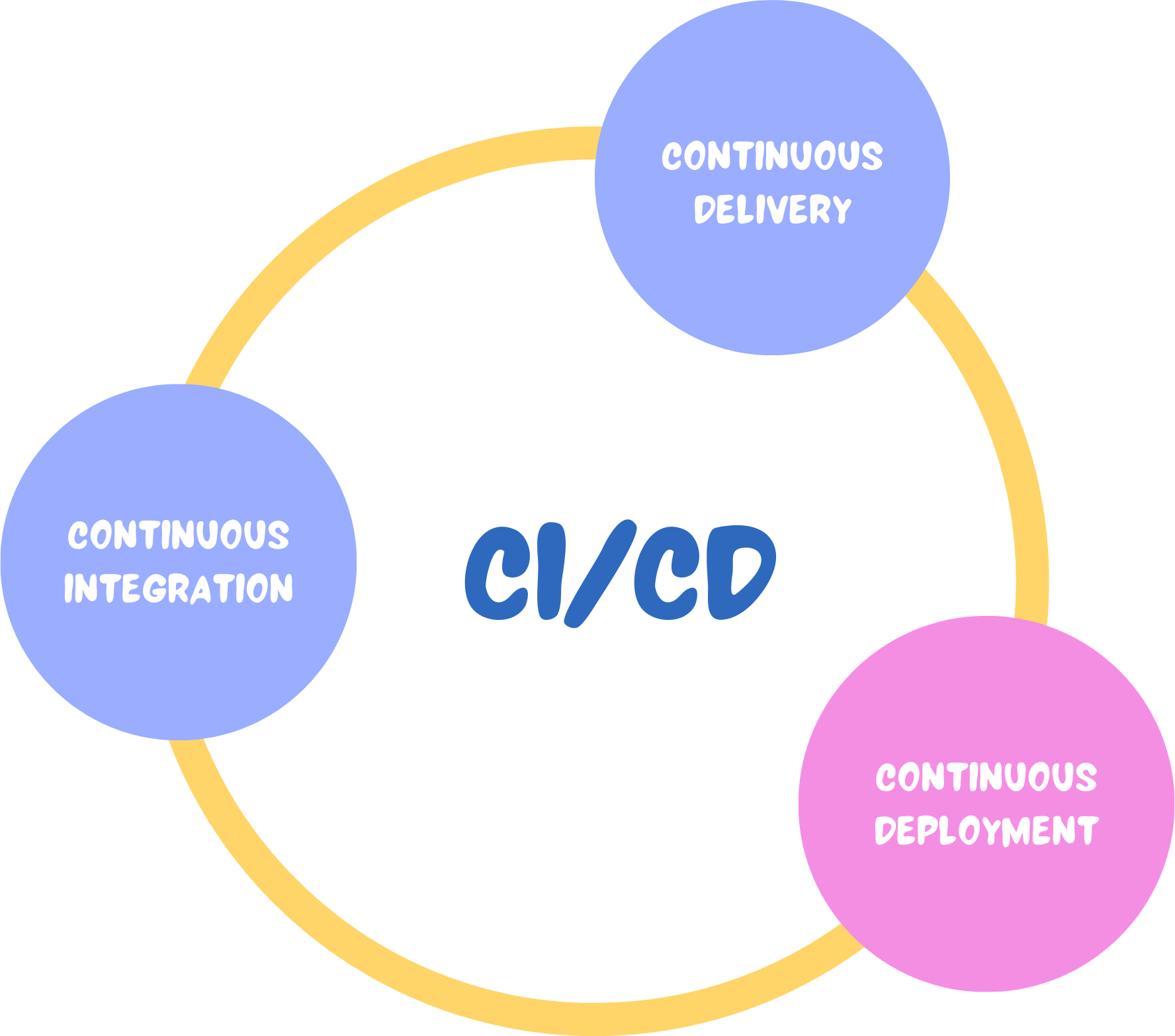
- Integrate testing into your CI/CD pipeline to ensure every code change is automatically validated.
Software testing is not a one-time activity — it is an ongoing process that supports the entire software development lifecycle. Teams that invest in strong testing practices deliver better products, reduce costs, and build greater trust with their users. Whether you are just starting out or looking to improve an existing process, understanding the types and tools available is the first step toward building software that truly works.