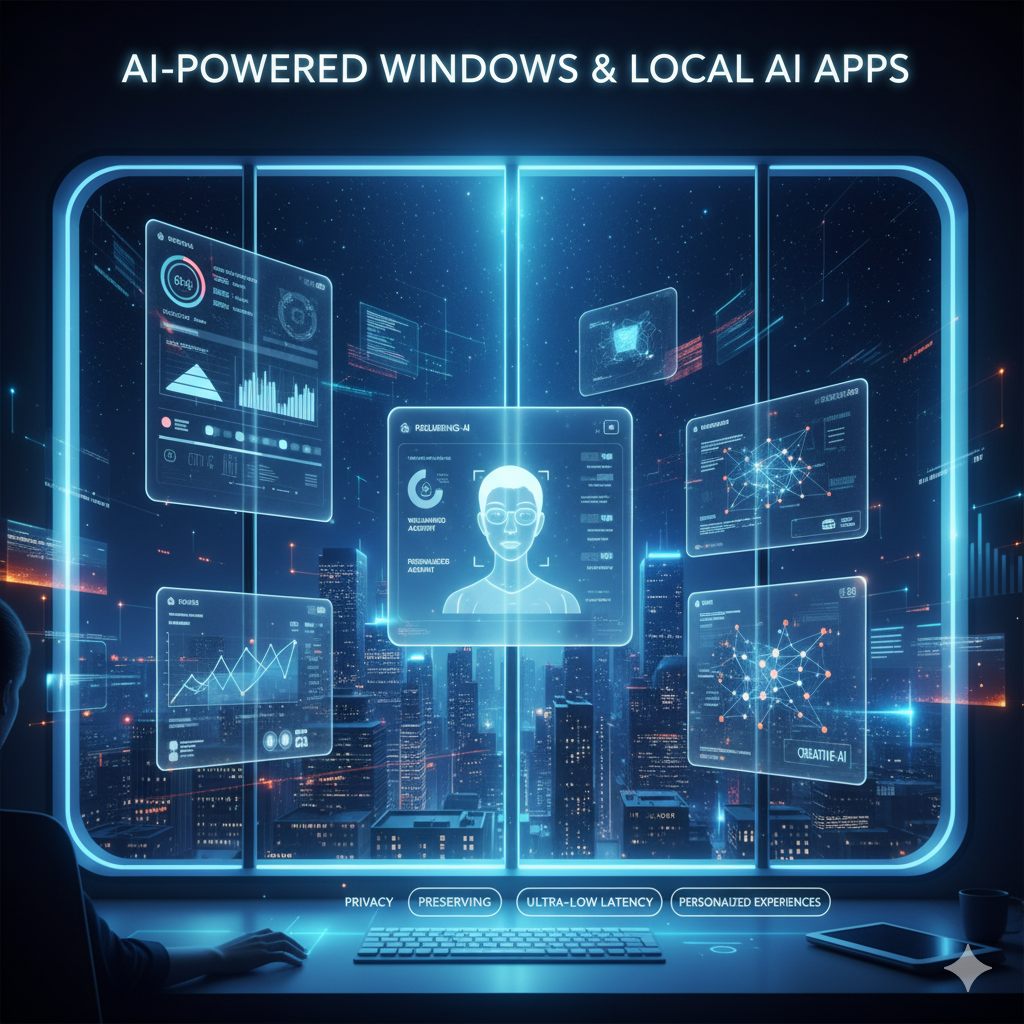
Microsoft is making a significant shift in how your Windows PC works. Instead of relying on cloud servers for smart features, Windows now supports built-in machine learning tools that run directly on your device. This means faster responses, better privacy, and smarter apps — even without an internet connection.
What Is AI-Powered Windows?
Microsoft has integrated AI capabilities directly into the Windows operating system, allowing apps to use machine learning without sending data to remote servers. The key technology behind this is Windows ML (Machine Learning), a built-in framework that lets developers build apps capable of running AI models locally on your PC.
This is a major change from the traditional approach where AI features required a constant connection to cloud platforms. Now, your computer itself handles the processing, making it smarter and more self-sufficient.
- AI features work on your device, not on distant servers.
- Windows ML gives developers the tools to build local AI apps easily.
- Both consumer and business users benefit from this shift.
Why Local AI Apps Are Better for Everyday Users
Running AI directly on your PC offers clear, practical advantages over cloud-based alternatives. Here is why local AI apps stand out:
- Faster responses: No waiting for data to travel to a server and back. Everything happens instantly on your machine.
- Works offline: AI tools function even when you have no internet access.
- Stronger privacy: Your personal data stays on your device and is never uploaded to external servers.
- Lower costs: Apps do not need expensive cloud infrastructure to deliver smart features.
- Energy efficient: Optimised AI models designed for local use consume less power than cloud-dependent systems.
AI Features Coming to Windows Apps
Microsoft is rolling out AI capabilities across several everyday Windows applications. Users can expect to see these features appear in familiar tools:
- Writing assistance in apps like Word, Notepad, and Outlook to help with drafting, editing, and summarising text.
- Image recognition that can automatically label, sort, and organise your photo library.
- Voice-to-text transcription that works fully offline, without needing a cloud connection.
- Smart system settings that learn your usage habits to automatically save battery life or boost performance when needed.
These features are designed to feel natural and helpful rather than intrusive, acting more like a quiet assistant built into your daily workflow.
What This Means for Businesses and Regular Users
The impact of on-device AI in Windows goes beyond individual convenience. It changes how software is built and used at every level.
| User Type | Key Benefit |
|---|---|
| Everyday Users | A smarter PC that helps with writing, searching, and organising without extra subscriptions. |
| Businesses | Build intelligent apps at lower cost without depending on expensive cloud services. |
| Developers | Access to Windows ML tools to integrate machine learning into apps more easily. |
The Bigger Picture: AI in Operating Systems Is Just Getting Started
Microsoft is not alone in this direction. Apple and Google are also actively adding on-device AI features to their respective operating systems. This signals a broader industry shift where AI becomes a core part of every major platform rather than an optional add-on.
In the coming years, most apps are expected to include some form of built-in intelligence. Your PC, phone, or tablet could function like a personal assistant that understands your habits, anticipates your needs, and helps you work more efficiently — all without sending your data elsewhere.
For Indian users, this is particularly relevant as offline functionality becomes valuable in areas with inconsistent internet connectivity. Local AI processing means smart features remain available regardless of network conditions.
Microsoft’s push to bring AI into Windows marks a practical and meaningful step forward for personal computing. Whether you are a student, a professional, or a business owner, the benefits of faster, private, and offline-capable AI tools are real and coming soon to your desktop.
Frequently Asked Questions
AI-powered Windows refers to Microsoft's integration of machine learning capabilities directly into the Windows operating system through a framework called Windows ML. This allows apps to run AI features locally on your PC without needing to connect to cloud servers, making them faster and more private.
Yes. One of the key advantages of local AI in Windows is that it works offline. Features like voice-to-text, image recognition, and writing assistance can function without an active internet connection because the processing happens directly on your device.
On-device AI is generally considered safer for personal data than cloud-based AI because your information never leaves your computer. Since processing happens locally, there is no need to upload sensitive data to external servers, reducing privacy risks significantly.