Building powerful AI workflows used to require deep programming knowledge. Not anymore. Today, non-technical professionals — from marketers to small business owners — can create fully functional AI agent workflows using no-code tools. These platforms let you automate repetitive tasks, connect apps, and boost productivity without touching a single line of code.
What Is an AI Agent Workflow?
An AI agent workflow is a system where an AI performs a series of tasks on its own, guided by a goal you set. Instead of manually instructing the AI step by step, you define what you want to achieve, and the AI figures out how to get there.
For example, an AI agent can scan incoming emails, identify customer queries, draft appropriate replies, and update your CRM — all without any human involvement. This kind of autonomous task handling is what makes AI agent workflows so valuable for businesses of all sizes.
What Does No-Code AI Actually Mean?
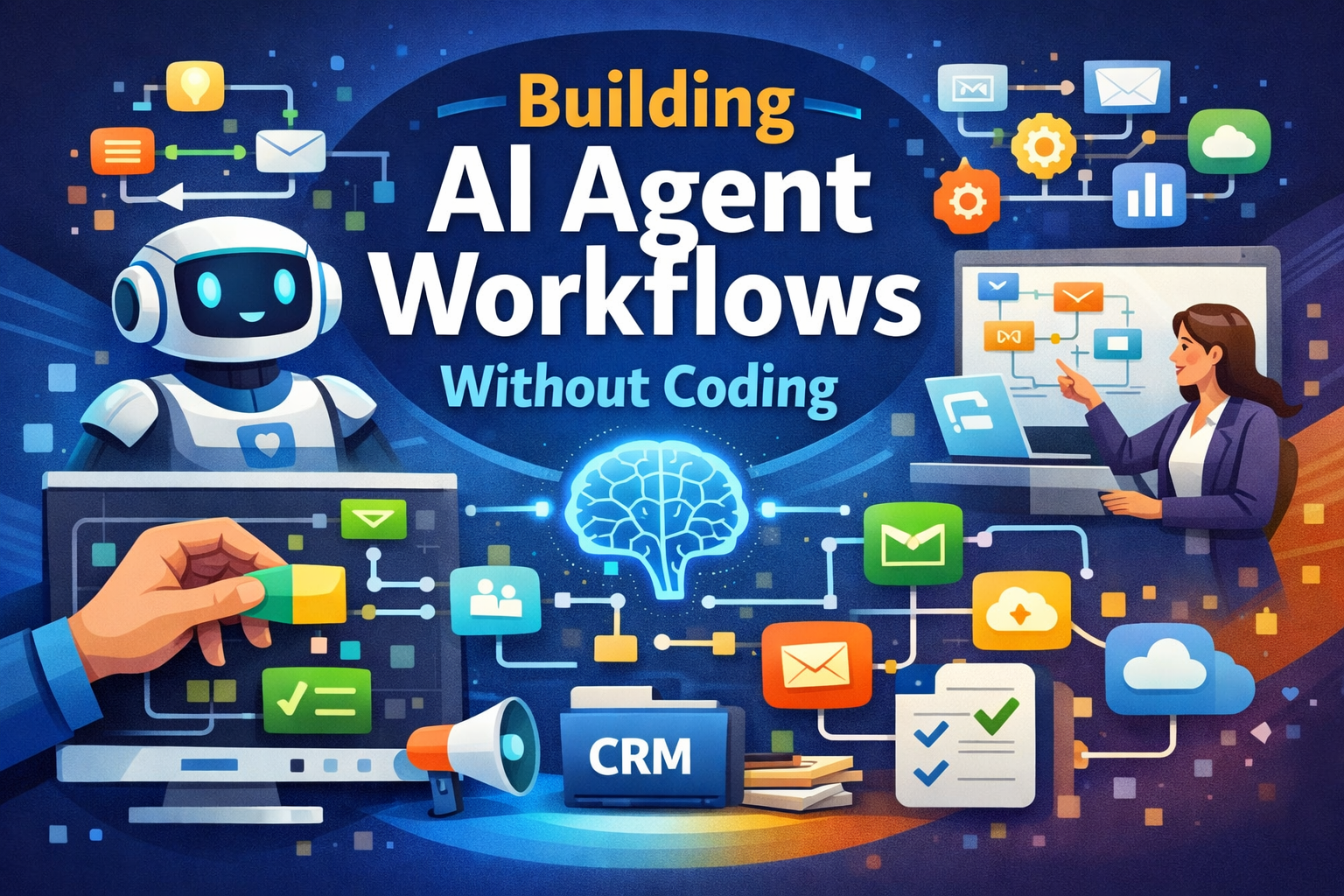
No-code AI refers to building and deploying AI-powered systems using visual interfaces rather than programming languages. You work with drag-and-drop builders, pre-built templates, and plain-language instructions to set up your workflows.
This approach makes AI accessible to:
- Marketing teams who want to automate content creation and campaign tracking
- Business owners looking to reduce manual admin work
- Sales professionals who need faster lead management
- Office teams handling repetitive data entry or communication tasks
No technical background is needed. If you can describe what you want in plain language, you can build it.
How No-Code AI Agent Workflows Are Built
The process follows a clear, logical structure that anyone can follow:
- Define your goal: Tell the AI what you need — answering customer questions, generating content, managing data, or sending automated emails.
- Set a trigger: A trigger tells the AI when to start. This could be a form submission, a new email arriving, a scheduled time, or a specific event in another app.
- Choose AI actions: Select what the AI should do — write a response, analyse data, make a decision, or organise records. These options are available as simple menu choices.
- Connect your tools: Link the workflow to platforms you already use, such as Gmail, Slack, Google Sheets, HubSpot, or social media accounts. Most no-code platforms offer ready-made integrations.
- Test and refine: Run the workflow, review the output, and adjust your instructions to improve accuracy and speed.
Real-World Uses of No-Code AI Workflows
No-code AI agent workflows are already being used across industries for a wide range of tasks:
| Use Case | What the AI Does |
|---|---|
| Customer Support | Answers FAQs, detects customer sentiment, escalates complex issues to human agents |
| Marketing | Writes blog drafts, suggests SEO keywords, schedules social media posts |
| Sales | Qualifies leads, sends follow-up emails, updates CRM records automatically |
| Administration | Summarises documents, manages invoices, extracts data from multiple sources |
Benefits and Limitations of No-Code AI
No-code AI workflows offer clear advantages for individuals and businesses:
- Save time by automating repetitive, manual tasks
- Reduce costs by removing the need to hire developers
- Set up and scale workflows quickly without long development cycles
- Make AI accessible to everyone, regardless of technical skill
- Improve output quality by reducing human error
However, there are some limitations worth knowing:
- Advanced customisation may not always be possible within no-code platforms
- Highly complex workflows may still need some technical support
- The quality of AI output depends heavily on how clearly you write your instructions
For most everyday business needs, these limitations are minor. No-code AI tools are more than capable of handling the tasks most teams deal with daily.
What the Future Holds for No-Code AI Workflows
The direction no-code AI is heading is towards fully autonomous systems. In the near future, AI agents are expected to understand high-level goals stated in plain language and build their own workflows without any manual setup from the user.
This will make AI even more accessible and practical for regular users across every industry — not just tech companies or large enterprises.
Getting familiar with no-code AI tools now puts you ahead of the curve. As these platforms grow more capable, the people who already understand how to work with them will have a significant advantage in productivity and business growth.
Frequently Asked Questions
Yes. No-code AI platforms use visual drag-and-drop interfaces and plain-language instructions, so anyone can set up AI workflows without writing a single line of code.
No-code AI workflows can automate customer support replies, content creation, lead qualification, email follow-ups, data entry, invoice management, and many other repetitive business tasks.
No-code AI tools may have limited options for advanced customisation, and very complex workflows might still need some technical help. However, for most everyday business tasks, they are fully capable and easy to use.