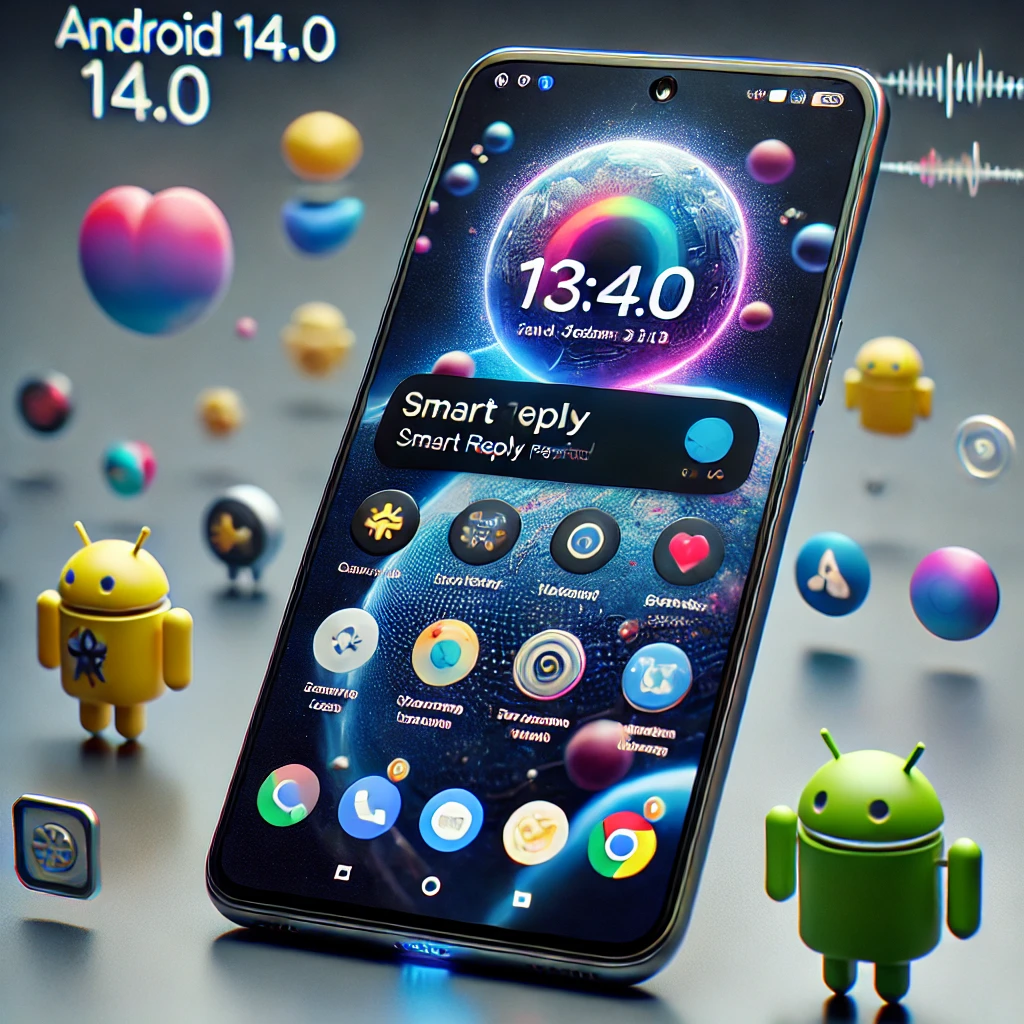
Android 14.0 is here, and it brings a solid set of improvements that touch nearly every part of your daily phone experience. From stronger privacy controls to smarter AI suggestions and better cross-device sharing, this update is worth paying attention to — whether you use a budget Android phone or a flagship device.
Stronger Privacy and Security Controls
One of the biggest highlights of Android 14.0 is how much more control it gives users over their personal data. The new Photo Picker tool lets you choose exactly which photos an app can access, instead of handing over your entire gallery. This small change makes a big difference in how much data third-party apps can collect.
Android 14.0 also introduces background app activity restrictions. Apps running in the background now have limited access to sensitive information, which reduces the risk of silent data tracking. These changes align with growing global concerns around app permissions and data privacy.
Deep Personalisation Options
Android has always been known for customisation, and version 14.0 takes it further. You can now add widgets, shortcuts, and custom style themes directly to your lock screen. The new Emoji Wallpaper feature lets you build unique wallpapers using emoji combinations, giving your phone a personal touch that stands out.
You can also set different wallpapers for modes like Do Not Disturb and Bedtime Mode, so your phone visually reflects the context you are in. These are small but thoughtful additions that make the experience feel more personal.
Better Battery Life and Performance
Battery management gets a meaningful upgrade in Android 14.0. The adaptive battery system has been refined to better predict which apps you are likely to use next, and it adjusts power consumption accordingly. This means less battery drain from apps you rarely open.
The improved Task Manager handles background processes more efficiently, keeping your device running smoothly even when multiple apps are active. Together, these changes should result in noticeably longer battery life for most users.
Here is a quick look at how key Android 14.0 features compare to what was available before:
| Feature | Before Android 14.0 | Android 14.0 |
|---|---|---|
| Photo Access | Full gallery access by default | Selective Photo Picker |
| Lock Screen | Limited customisation | Widgets, themes, Emoji Wallpaper |
| Battery System | Basic adaptive battery | Smarter adaptive predictions |
| Cross-Device Sharing | Basic Nearby Share | Faster Nearby Share + Cross-Device Copy-Paste |
| Notifications | Basic grouping | Priority-based Notification Channels |
Smarter AI Features and Cross-Device Connectivity
Smart Actions in Android 14.0 now learn your daily habits more accurately. If you check your calendar every morning or open a specific app after work, your phone will start suggesting those actions at the right time without you having to search for them.
Messaging apps also benefit from AI-generated text responses that are context-aware. Your phone analyses the conversation and suggests quick replies, saving time during busy moments.
For users who work across multiple Android devices, Nearby Share has been made faster and more reliable. The new Cross-Device Copy and Paste feature is especially useful — copy text or an image on your phone and paste it directly on your tablet or Chromebook without any extra steps.
Accessibility and Notification Improvements
Android 14.0 also makes the platform more accessible. The Text Scaling feature gives users finer control over font size across the system. The enhanced Magnifier tool now offers smoother zoom and better contrast adjustments, which is helpful for users with visual impairments.
Notifications have also been reorganised. The new Notification Channels system sorts alerts by priority, so important messages are not buried under a flood of less relevant notifications. Key accessibility improvements include:
- Text Scaling for precise font size control
- Enhanced Magnifier with improved zoom and contrast
- Priority-based Notification Channels for better alert management
- Reduced background app noise for a cleaner experience
Android 14.0 is a well-rounded update that improves the areas users care about most — privacy, performance, personalisation, and ease of use. Whether you are upgrading from an older Android version or already on Android 13, this release brings practical improvements that make everyday phone use smoother and more secure. If you have already updated, explore the new lock screen options and Smart Actions to get the most out of what Android 14.0 offers.
Frequently Asked Questions
Android 14.0 introduces several key improvements including the Photo Picker for selective photo sharing, background app activity restrictions for better privacy, an enhanced adaptive battery system, Smart Actions powered by AI, Cross-Device Copy and Paste, and priority-based Notification Channels.
Yes. Android 14.0 includes a refined adaptive battery system that better predicts app usage patterns and adjusts power consumption accordingly. The improved Task Manager also handles background processes more efficiently, which helps extend battery life.
Android 14.0 is rolling out to supported Android devices. Google Pixel phones typically receive the update first, followed by devices from Samsung, OnePlus, Xiaomi, and other manufacturers. Check your device settings under System Update to see if Android 14.0 is available for your phone.